Archive
Page 34 of 95
Digital painting can be understood as a series of discrete steps, each of which can be executed well or poorly; the choice of reference material and attention to detail influences the final result, and errors may require revisiting earlier stages. The author likens this process to computer programming, where clear, stepâoriented work leads to a coherent program just as it does to a finished painting. By observing othersâ workflows and refining oneâs own sequence, an artist can gradually turn these steps into a unique, efficient method that ultimately yields excellence at every stage.
The post is a beginnerâs guide to building a lowâcost Linux machine on a RaspberryâŻPi (400 or 4) for learning web design and programming. It explains how to set up the Pi with a cheap monitor (or two), install Debian, and use the terminal as a âtextual graphicâ interface where you can pipe commands togetherâillustrated with simple `echo`/`tr` examplesâto create programs. The author suggests using the i3 tiling window manager for later efficiency, VSâŻCode (or an openâsource fork) for editing, and Node.js for running JavaScript, while noting the advantages of keyboard muscle memory over mouse use. Personal touches include a childhood CommodoreâŻ64 anecdote and links to kits, videos, and tutorials that help you get started with your own âlaboratoryâ setup.
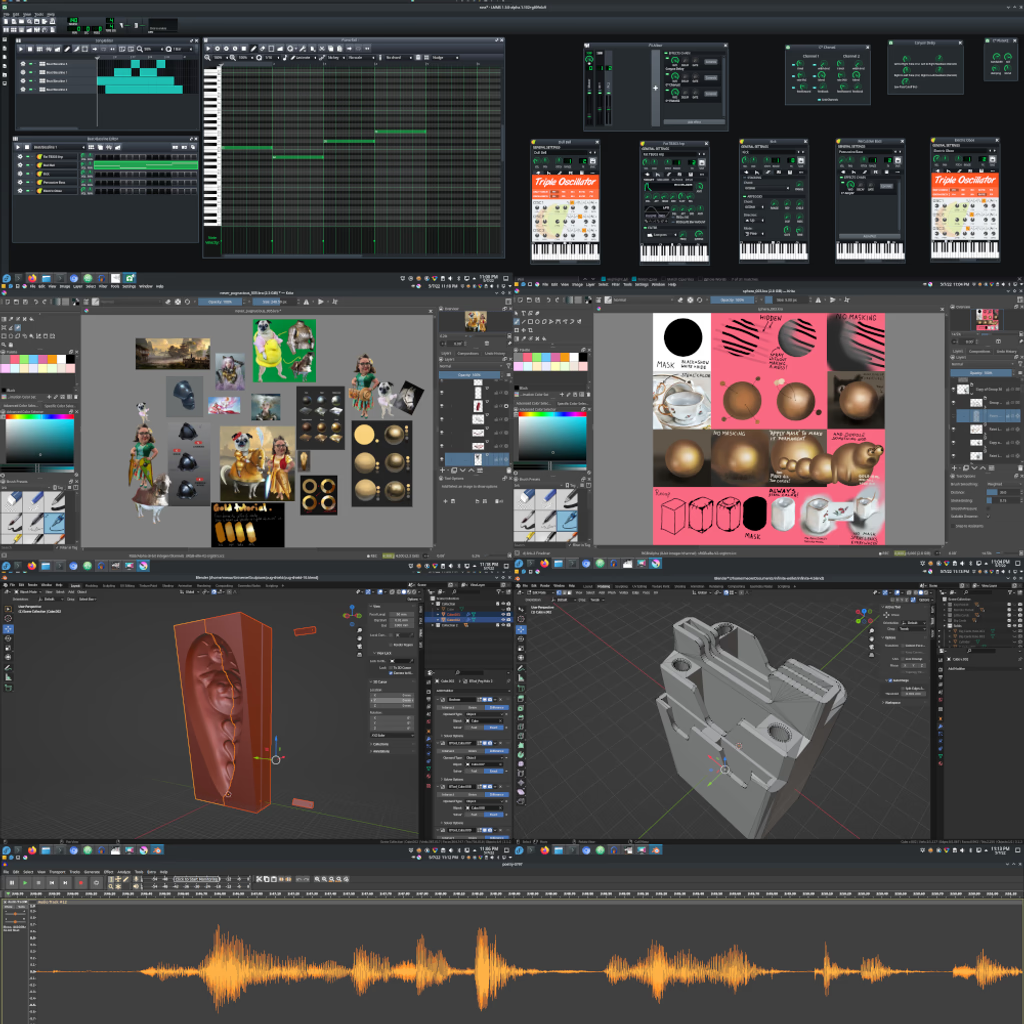
The author argues that true learning requires authenticity, wisdom, and individuality, yet modern public schools have become âprocessing plantsâ where students merely memorize facts while teachers repeat rote lessons and rely on video and software that lock students into a consumer mindset; loans and commercial software further entangle children in debt, preventing real creativity. He calls for selfâeducation with openâsource tools such as Linux, ECMAScript, Node.js, Krita, GIMP, Blender, and Audacity, so kids can program, paint, model, and edit media themselves. The post interweaves quotes from Thoreau, VonâŻNegut, Bukowski, etc
#0800
Baroque
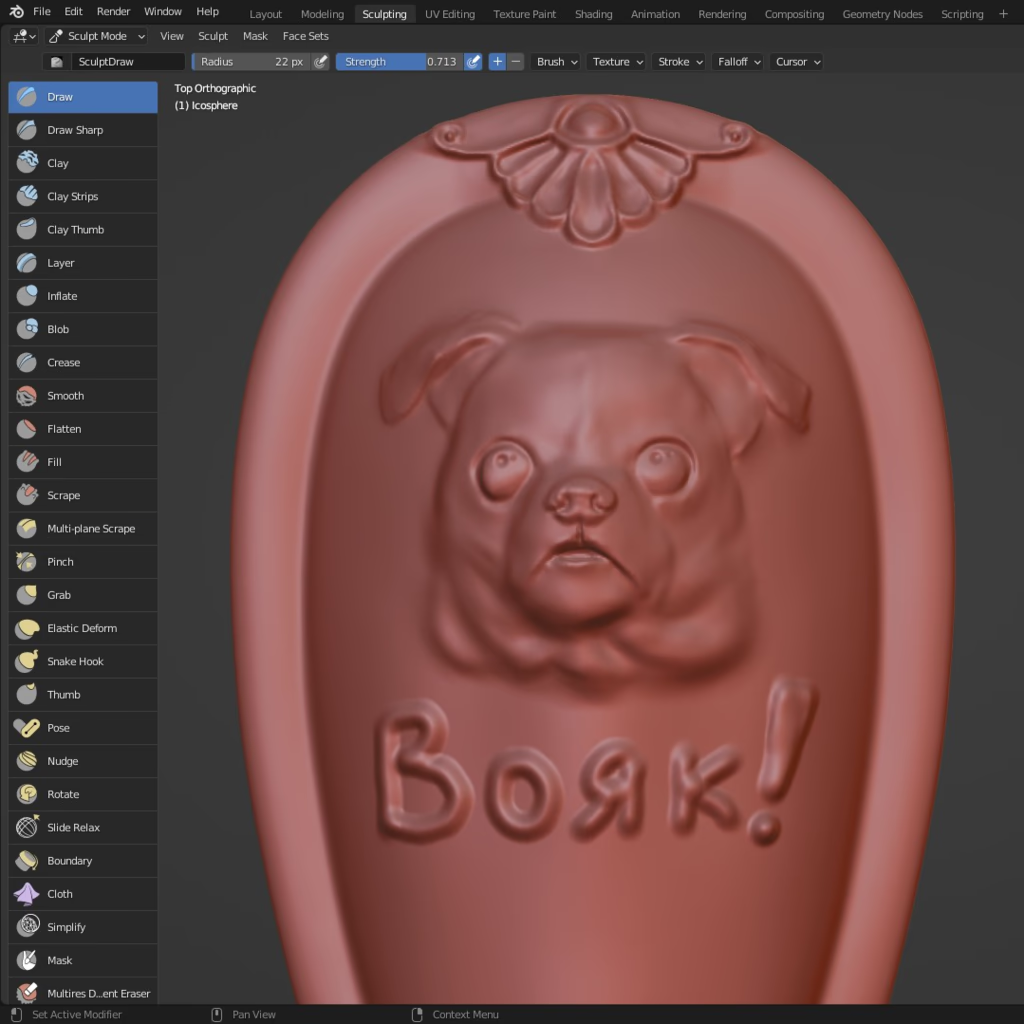
Baroqueâan ornamental style that flourishes with lion heads, flowers, vines and other intricate doodadsâhas slipped from everyday memory but remains a powerful tool for modern digital artists. By harnessing Blenderâs sculptâmode âvirtual clayâ workflow, designers can build these detailed motifs at any scale, easily zoom in and undo changes as they refine the elaborate patterns. Once completed, the same models can be exported into lightweight frames or relief sculptures that add depth to flat images, making them ready for 3D printing or jewelry design; thus Baroqueâs timeless richness finds new life in contemporary 3âD creations.
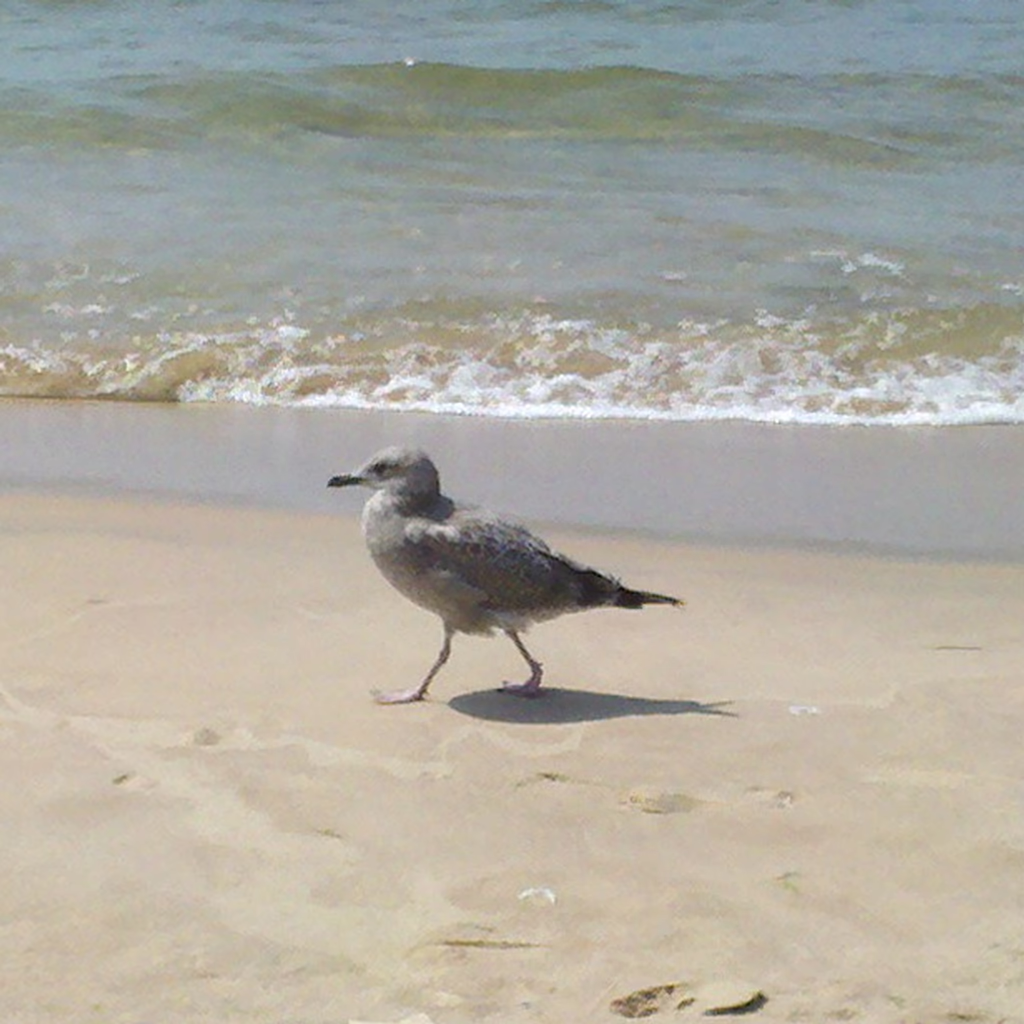
The narrator recalls his early encounters with the seaâfrom seeing it for the first time at about eight years old to visiting the Baltic, Atlantic, and Great Lakesâdescribing simple pleasures such as tasting flounder on a stick, traveling by subway in New York, and awaiting springâs seagull songs. He also mentions collecting shells from a local store and scattering them along Lake Michigan, calling this practice his âvarnished treasure.â
The post criticizes the highâschool and college system as an âeasyâ scam that rewards memorization over true learning, with teachers doing little and curriculum designers offering minimal content; it then turns to creative production toolsâLMMS for music where reverb, chorus, and arpeggios are used to deepen sound, and Krita for painting with reference images and pen tabletsâto illustrate how real art is built on technologyâand extends the critique to math teaching, claiming that programming languages and interactive screensavers would be more effective; finally it urges selfâeducation through respected books and authors, remote classrooms, and personal responsibility so that one can progress from real knowledge to empowering wisdom and unique greatness.
The post celebrates how true learning comes from immersing oneself in knowledge rather than passive listening, urging readers to explore science through engaging books and documentaries that are factâbased; it highlights specific titles like *A Short History of Nearly Everything* and *Death by Black Hole*, while advocating handsâon projects such as building simulations with P5.js or coding math concepts, which help synthesize new ideas; the author stresses the importance of asking questions and staying curious to avoid becoming a passive tool for others, and suggests grounding this learning in real experiencesâlike camping and photographyâto combine practical adventure with intellectual exploration.
The post celebrates the joy of 3âD printing as an almost ritualistic pastime: enthusiasts gather around their machines, eagerly watching each layer build upâlike a âcute chickenâ pecking awayâto see whether the print goes smoothly or stalls. It describes the common hiccups (bed leveling, hotâend issues) and the patience needed to troubleshoot them, while also noting how people often create small test prints before tackling larger projects. The writer likens watching a printer run to relaxing by a bonfire, emphasizing that the process is as satisfyingâand even more fascinatingâthan the finished object itself.
Liarsâpeople who fabricate stories to gain powerâare portrayed as inherently evil, driven by personal ambition and a hunger for corruption. They use layered tactics to conceal motives, spread misinformation, and exploit uneducated voters with simple propaganda, thereby sowing confusion, war, and institutional decay. The author argues that such deception weakens education and politics, but also believes that wellâinformed citizens can rebuild and restore order, suggesting that knowledge and wisdom are the keys to defeating liars and creating a stable political system.
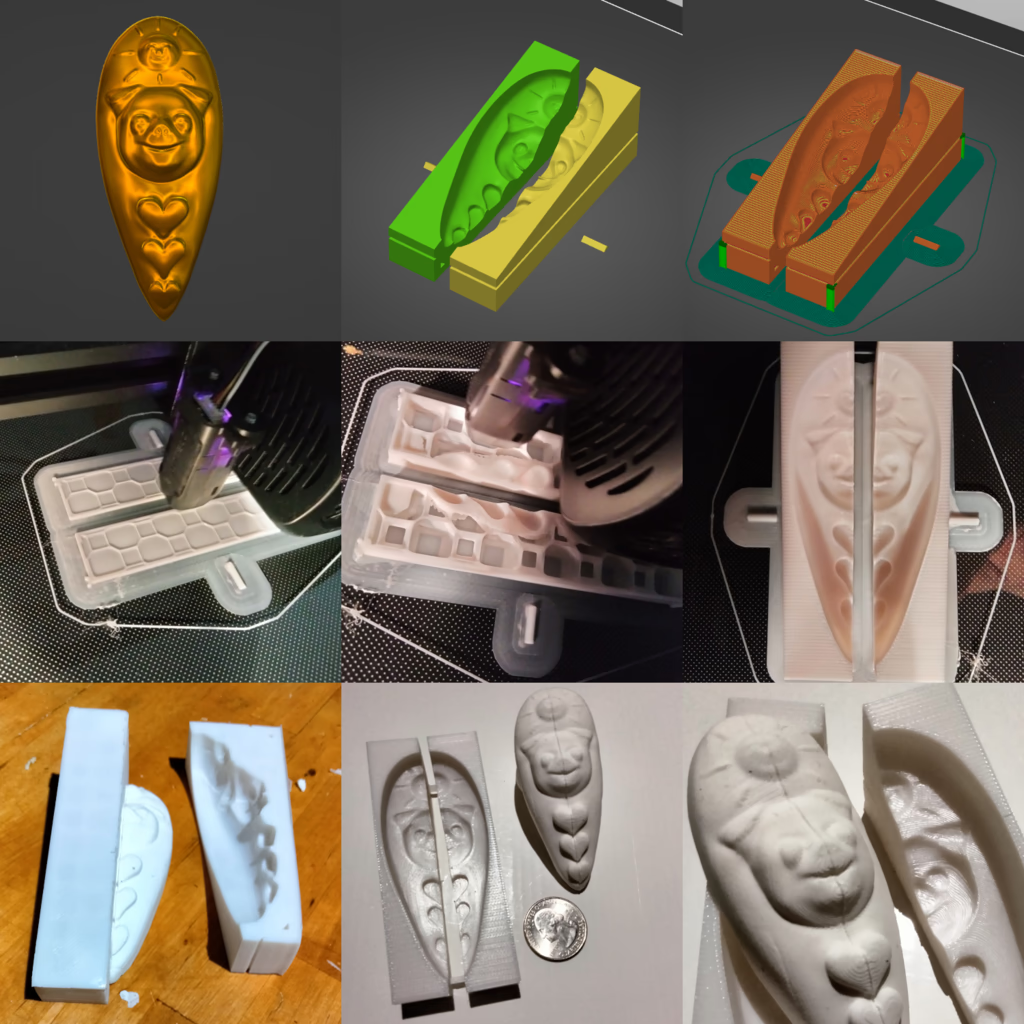
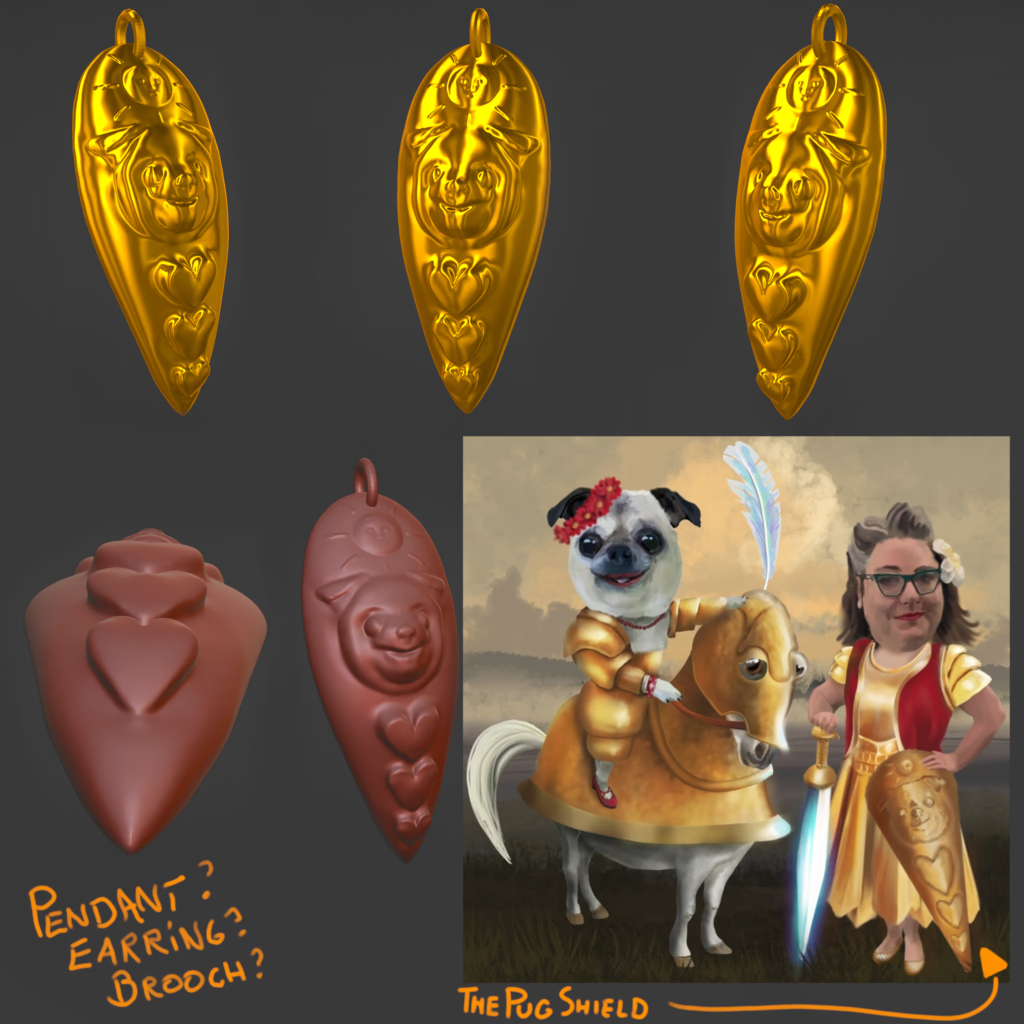
The post explains how to turn a painting into a piece of jewelry: first sketch the design as if youâre drawing the artwork itself; then use 3âD software (e.g., Blender) to model the pendant, export the file, and send it to a foundry that casts it in gold or other metal. It also suggests experimenting with lowâcost 3âD printing to create clay molds, which can later be fired into metal, making the process both educational and creative. By basing the design on a beloved paintingâone that viewers find sweet or funnyâyou give your jewelry a story and an emotional anchor, turning visual art into tangible objects for sale at gallery shows.
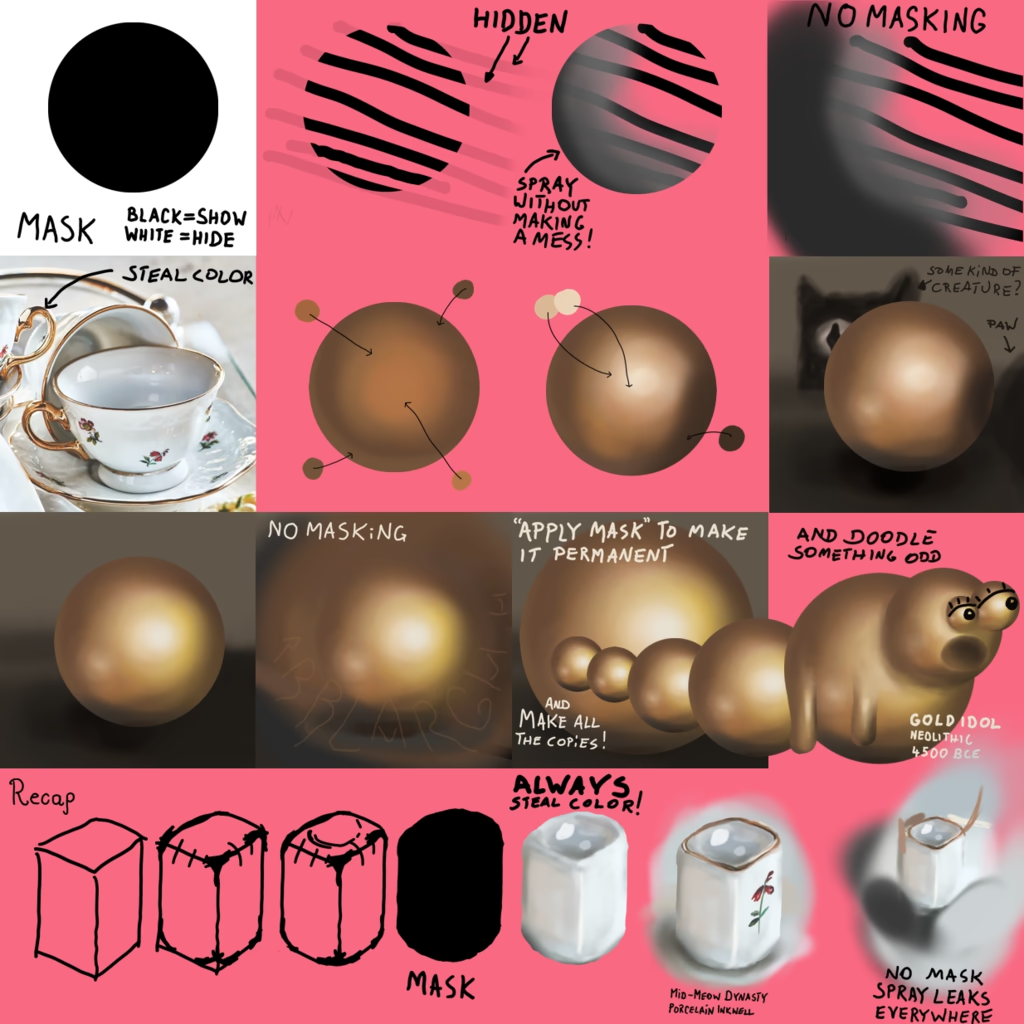
Using layer masks in digital paintingâespecially with tools like Kritaâis essential for precise color application on complex subjects such as a knightâs helmet. Masks let you isolate parts of an object (visor, armors, decorations) so that spray brushes and other effects affect only the intended area, while feathering controls edge softness. By building each component onto its own layer or mask, you can apply gradients and shadows with gradual grayâtransparency instead of a hard binary selection, achieving realistic metallic shading without manual reselecting. Thus layer masks simplify repeated operations, enable subtle blending, and are fully supported in Krita just as they are in GIMP.
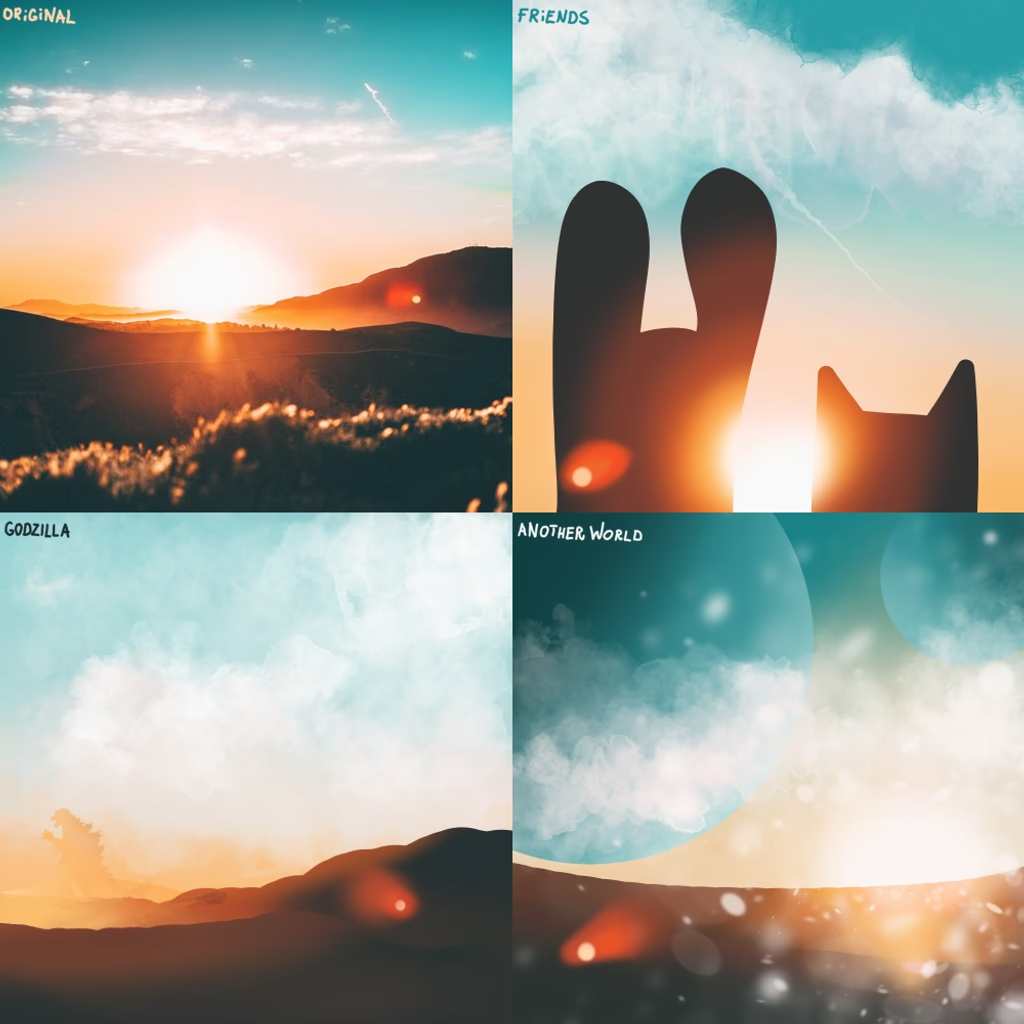
Value or darkness control is vital when creating multiâcharacter scenes because shadows must match and colors must be sized properly. Many artists rely on a simple threeâvalue systemâdark, medium, lightâto give depth: the foreground warrior might sit in dark, the hero in the middle in medium, and the background dragon in light; if nothing fills the gaps it becomes a dead zone of wisdom. Some sketch first a valueâstable outline then smudge characters out of it as if rising from the ground. Others layer a color mode that strips colors to their underlying values or repeat strict color selection to maintain a clear, stable system. Concept artists often start with a blurry photo as a seed for composition and value; picking a corner with pronounced lightâmediumâdark gives a sturdy head start, allowing colors in harmony to build a strong theme. The post ends by encouraging collectors to get an inexpensive camera to gather colors, values, and compositions.
#0791
Rising With Art
The post reflects on how being an artist is essentially a learning process: practice and observation are more important than formal instruction; it encourages using simple tools like projectors or digital layers to create art quickly, and shows that the transition from realistic portraiture to magical scenes is easy once you get into the flow. The author then critiques teachers, classmates, and other artists who sometimes give only âfakeâ education, noting that real learning comes when you actually experiment with color, light, and texture on your own terms. Finally he argues that art trains the mind to reject inauthenticity and to seek knowledge, so that a creative ladder leads from simple sketches to hyperârealism, ultimately uplifting both the individual and humanity as a whole.
Art thrives when free from rigid rules, just as education flourishes when curiosity guides learning rather than preset sequences; both fields become stale when boxed in by schedules and expectationsâlike a processed sausage aimed only at graduation. In art, letting the canvas bloom like a seed nurtures genuine creation, while forced patterns render works alien and artists stagnant. Thus, whether painting or studying, allowing joy and spontaneity to guide progress elevates the artistâs growth and enriches life.
The post celebrates the accessibility and transformative power of creating art, encouraging readers to start simply with their heart and basic shapesâsuch as drawing or photographing a familiar subject like a fat catâand then layering or projecting these forms to explore negative space and composition. It frames art as both an escape and a learning experience that can make one âartâsmartâ by the time they reach their fortieth project, while also offering philosophical insight with a nod to Descartesâ famous dictum. Overall, it presents art as a personal educational journey that brightens life, inspiring readers to keep adding moments of creativity day after day until they become âGreat Beings.â
In this post the author explains how to color a computerâdrawn illustration while keeping line art intact: use a very thin brush or the contiguous selection tool with its âgrowâ option so that fills extend just beyond the lines and avoid holes; then paint over the selected area, keep the line layer above the fill, and optionally merge the two layers for a clean result. The technique combines quick selectionâbased filling with careful brushing to produce smooth gradients without gaps or unwanted overlap, making it ideal for both outlined and fully painted artwork.
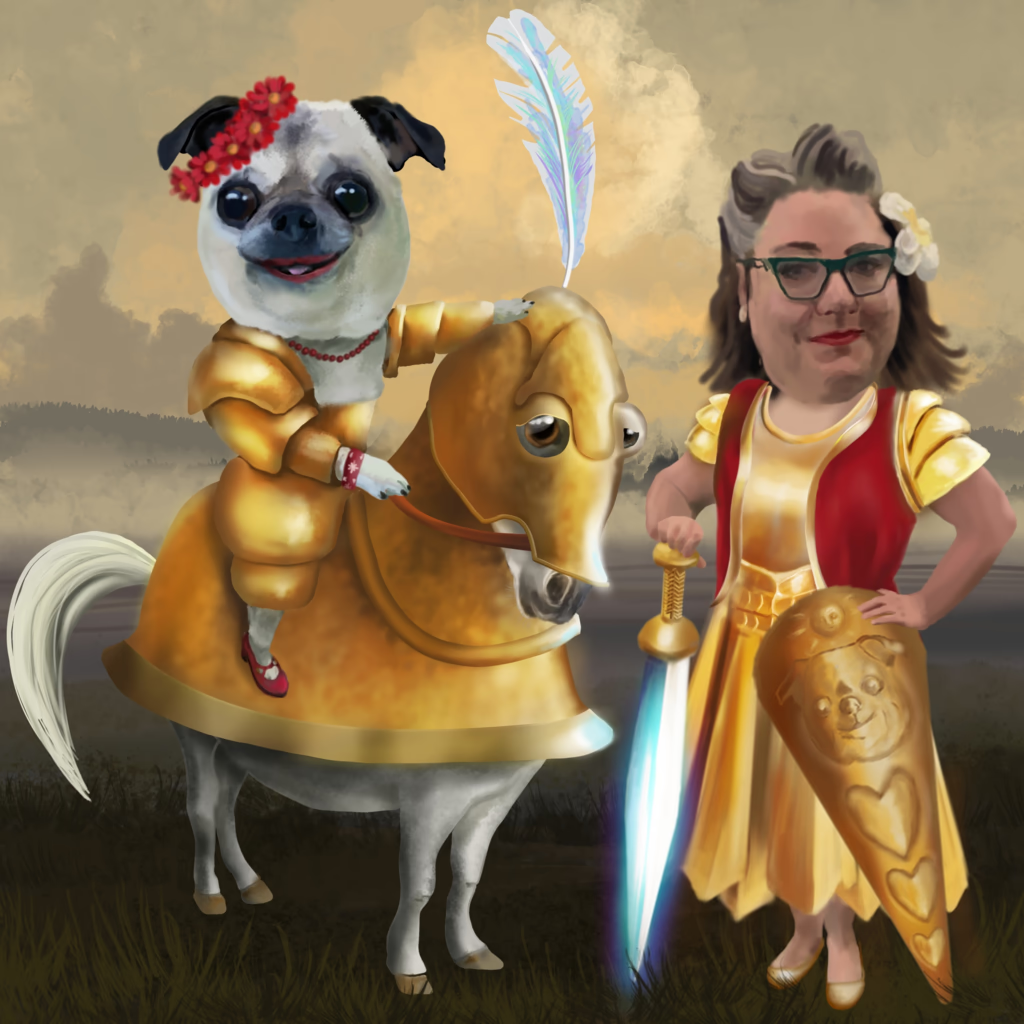
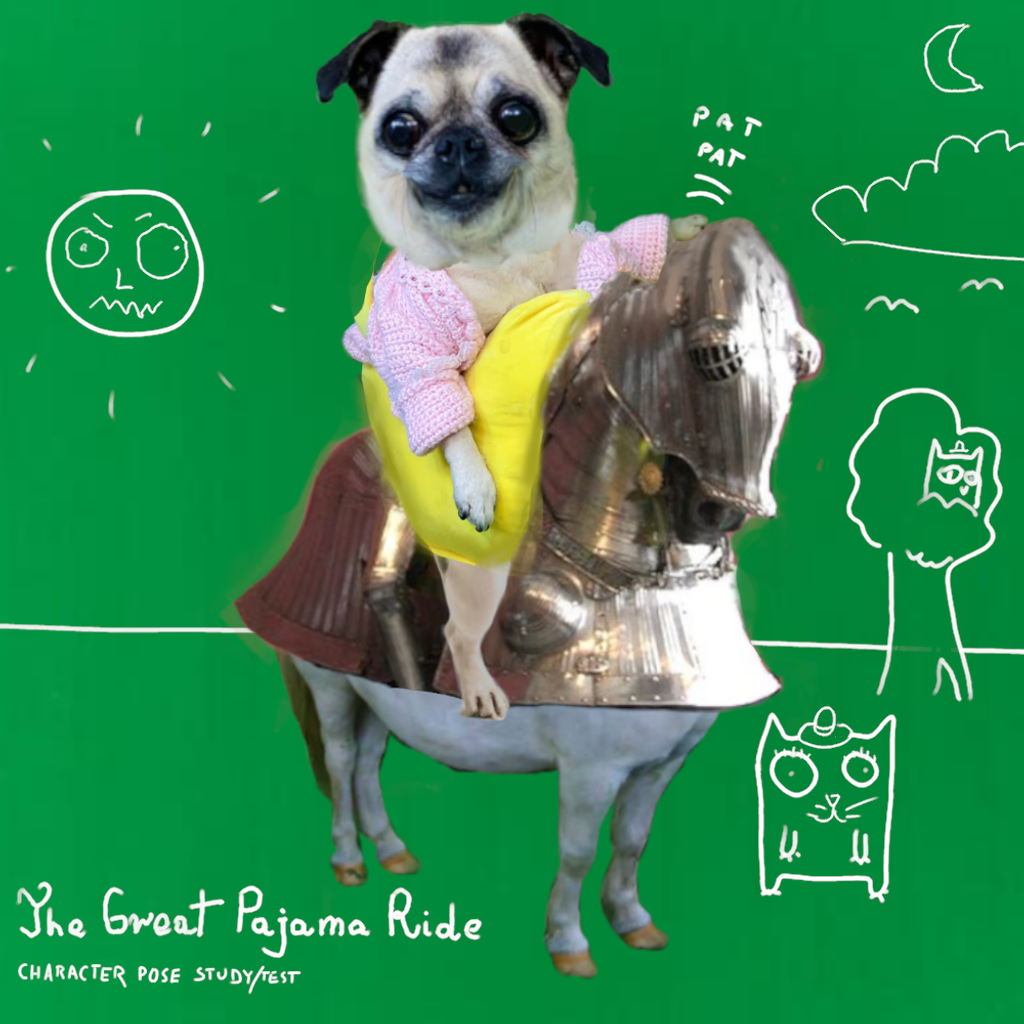
The post outlines a stepâbyâstep process for creating a finished illustration that blends photoâmanipulation with handâdrawn and painted elements. It begins by building a scene from a photograph, then sketching precise line art that stands on its own but also supports the overall composition. After establishing clean lines, the artist adds flat colors or gentle shadowsâsometimes using gradientsâto give depth. The next phase is painting: starting with a blackâandâwhite value study and glazing over it, or applying color directly from the manipulation. Color mixing relies on local colour principles, adjusting hues to match surrounding tones before adding subtle highlights. Finally, the artist infuses âmagicâ by working within the atmosphere of the sceneâglowing eyes, opal skin, etc.âto finish a polished illustration that feels complete and alive.
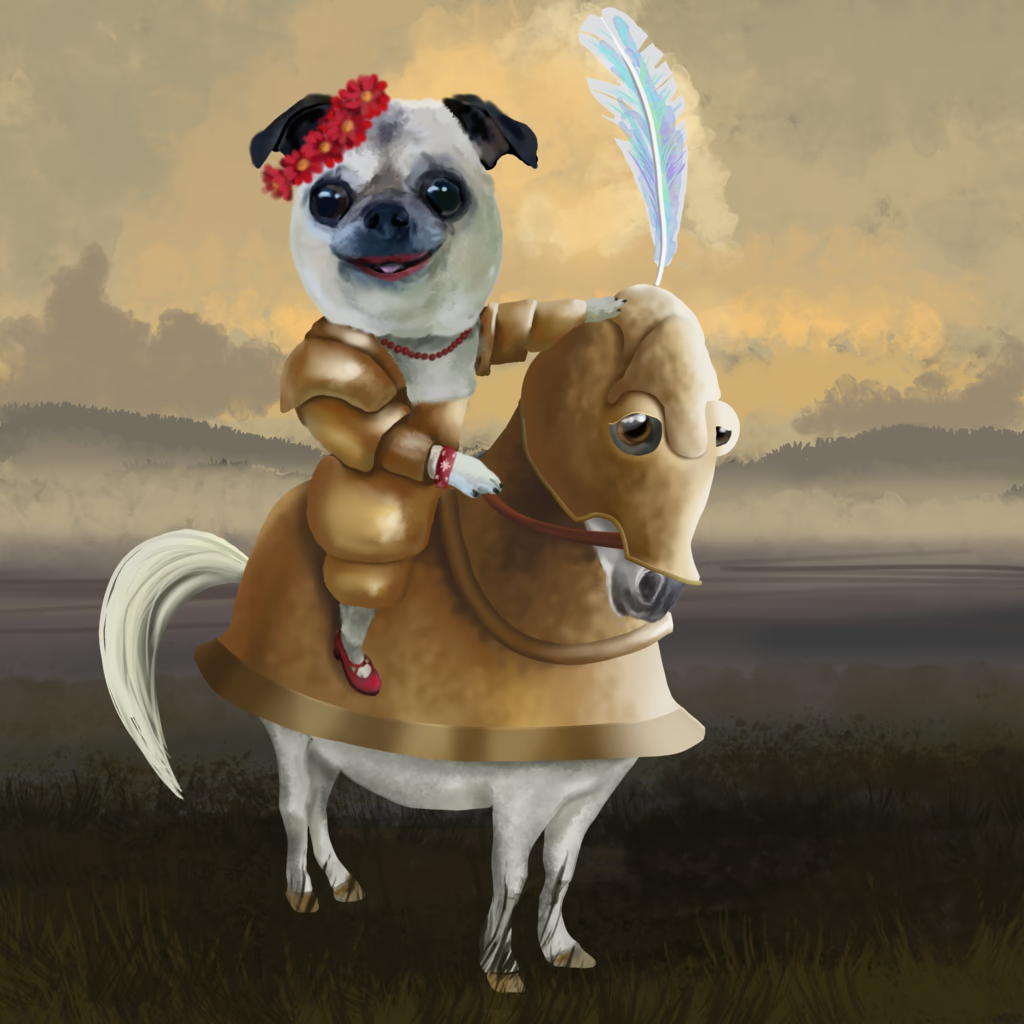
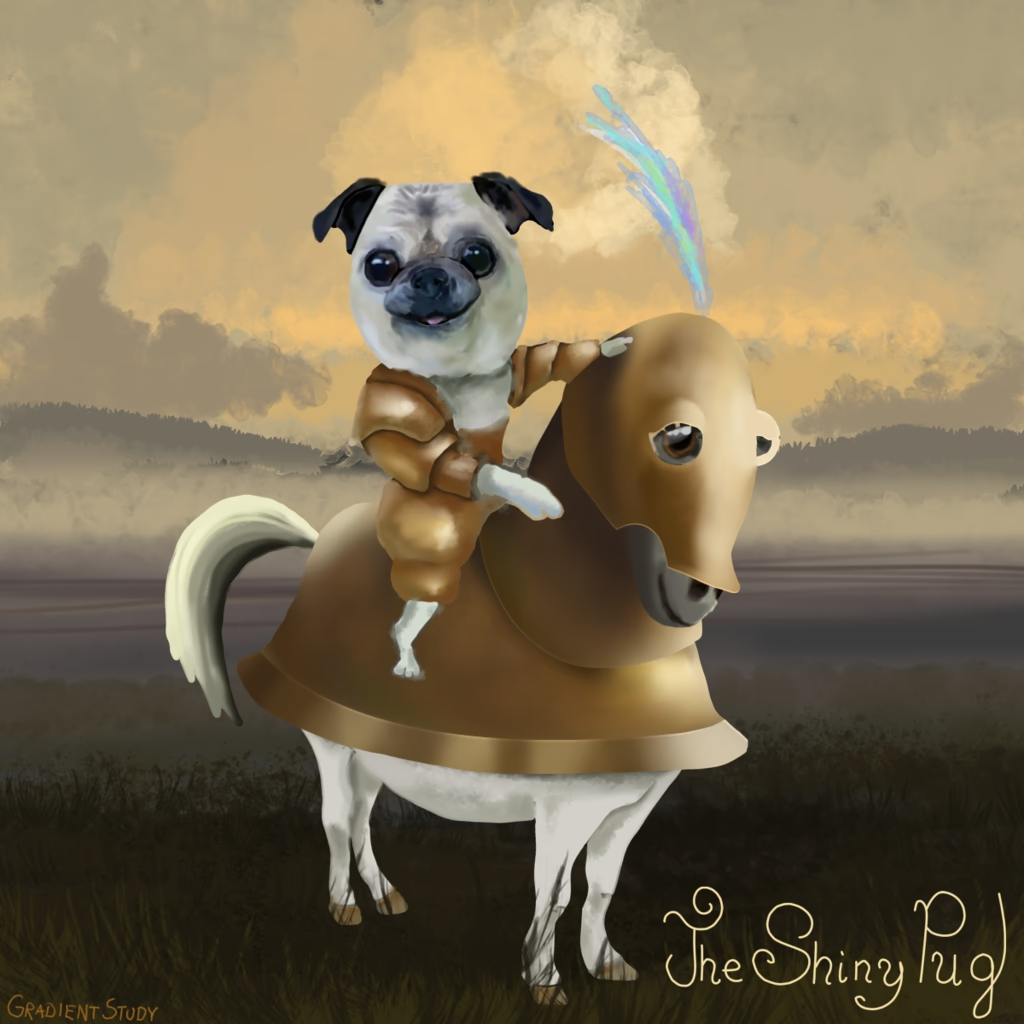
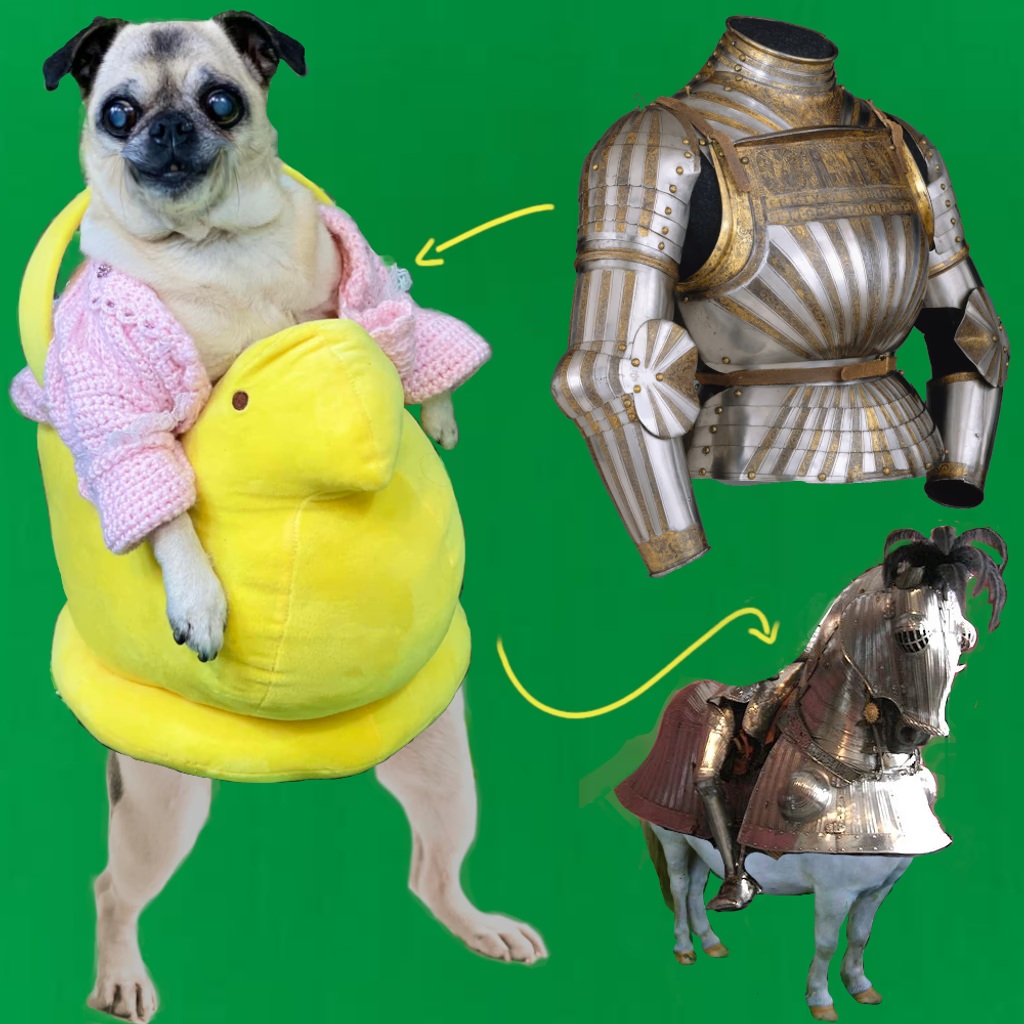
The post celebrates an imaginative âQueen of Queensâ who commands the world of petsâsquirrels, dogs, and cats alikeâby encouraging them to wear tiny hats as part of a golden age of pet fashion. She is portrayed as both a charming scientist and artist, riding a little horse in golden armor while delighting in cozy wool sweaters at home. Her cheerful presence lights up rooms from afar, and she loves to listen to her favorite books, especially those by Bill Bryson, all while maintaining her role as the keeper of doggie things.
#0785
Of Poses And Worlds
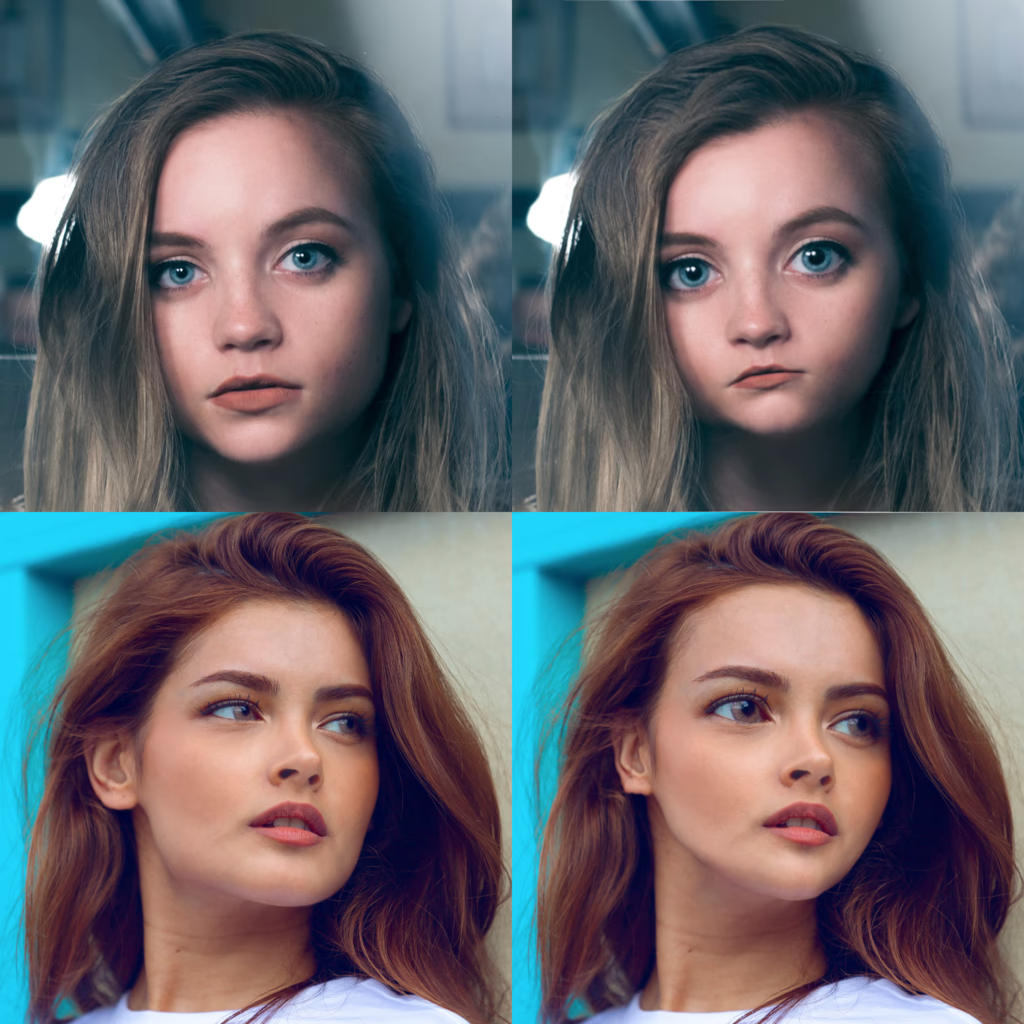
The author explains a technique for creating drawings by first sketching a simplified model over a source imageâmarking distances and relative measurementsâand then recreating that minimal sketch on an empty canvas using only the photo, a drawing surface, and traditional brushes. This method can be applied to faces or bodies (with key points such as knees, joints, shoulders) and transferred onto a blank canvas; the writer prefers artists to use their judgment on a slightly warped reference rather than relying solely on line models, believing that a faithful likeness is only one small detail among broader elements like armor or scenery. They note the importance of capturing key featuresâsuch as eyesâbefore adding other details, and enjoy creating large scenes with 3D modeling to guide composition, appreciating how digital tools help map out complex worlds for painting.
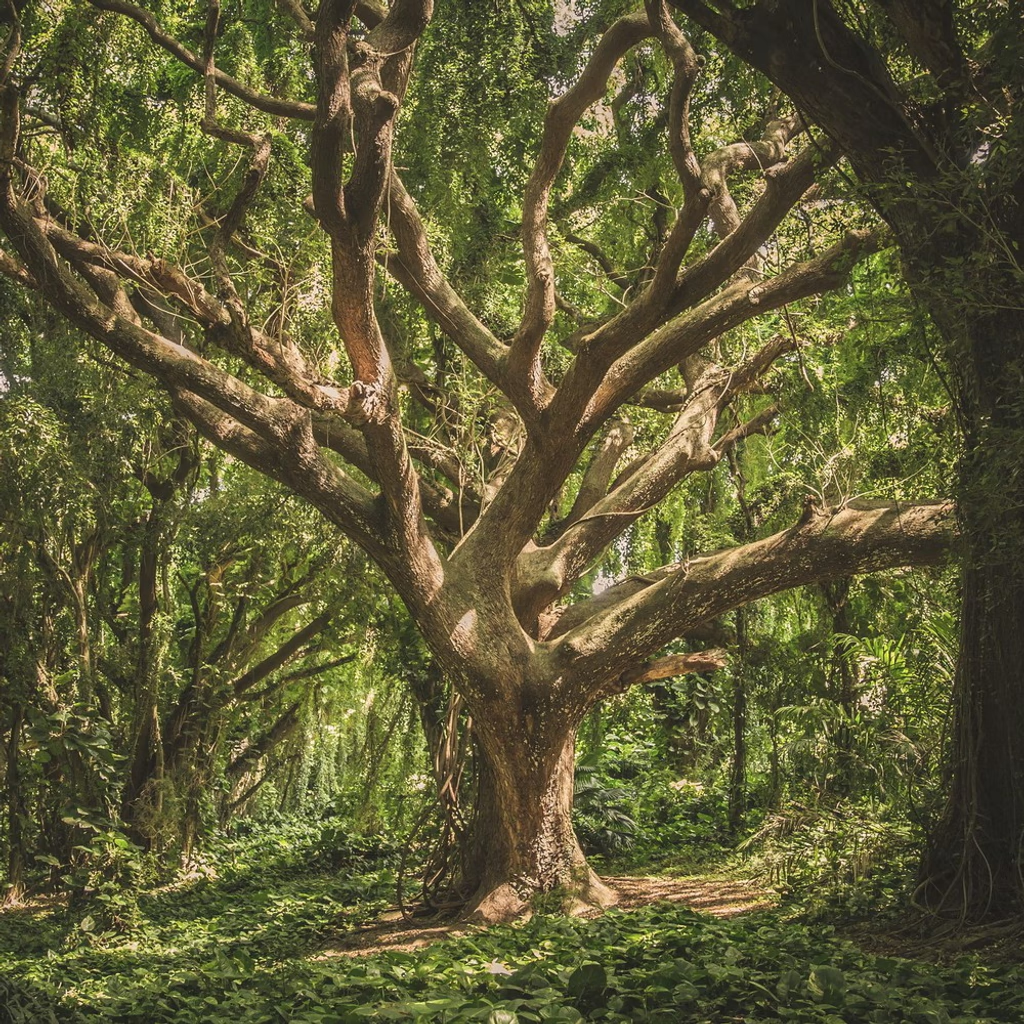
The post describes how artists who use photographs as references often face early criticismâlabelled âcopyingâ or âpaintâoverââfrom traditionalists who consider such practice unoriginal; it explains that these attacks, usually launched by selfâconfident âliars,â can be overcome by stepping outside their circle and mastering the tools (e.g., GIMPâs Warp Transform) to create truly beautiful works; the writer encourages artists to keep learning, reinventing rather than merely copying, and to rise above the noise so that art becomes a free, living forest rather than an echo chamber.
Digital painting in Krita can begin with hyperrealism, using a pen-and-tablet setup that supports tilt so the virtual chisel tip rotates naturally; layer management lets you isolate elements like eyes or shadows for precise control; the builtâin Image Reference Tool projects an image (e.g., a selfie) over your canvas at adjustable opacity, allowing you to trace shapes with an airbrush while simultaneously sampling exact colors from the reference layer; by ensuring highâresolution photosâvisible details such as individual eyelashesâyou can accurately learn both color and form in a quick, pleasant workflow.